Scheduling for personal trainers
Your clients confirm the session. You just show up to train.
Inventra reminds your clients by SMS or WhatsApp and records what you sold. All on your phone.

Hi, Lucas! Your session is tomorrow at 7 am.
You know this week.
Today
- Sunday night, confirming workouts one by one.
- A client forgets, and the slot sits empty.
- Weekly slots kept in a notes app.
- Supplements sold, written down when you remember.
With Inventra
- Confirmations and reminders go out by SMS or WhatsApp.
- Clients confirm or cancel with one tap.
- Book once; the next sessions appear.
- The sale is recorded for better control, and your stock is adjusted when items are used.
A week of sessions, no one-by-one messages.
01 / 07 · Schedule
Every Monday at 7 am, booked once.
Book the client's weekly slot once. The next sessions are created for you automatically.

Example reminder message Next week · 7 amCreated automatically02 / 07 · SMS/WhatsApp
Stop confirming workouts one by one.
Confirmation and reminders by SMS or WhatsApp. Clients confirm or cancel with one tap.

Example reminder message Hi, Lucas! Your session is tomorrow at 7 am.
ConfirmCancel03 / 07 · Video
Online sessions, link in the notification.
The client gets a private video link in the session notification, by SMS/WhatsApp or email. Inventra's video room is the default; Google Meet is available if you connect Google Calendar.

Example reminder message REMINDER · SMS/WHATSAPPYour online session starts in 30 minutes. Join with the private link:
Join meeting04 / 07 · Google Calendar
In your Google Calendar too, if you want.
Connect it for a copy of every session there. Your schedule stays in Inventra.

Example reminder message GOOGLE CALENDAR · COPYSession · 7–8 amCopied from Inventra05 / 07 · Sales
Every session becomes a sale.
The sale is recorded for better control, and your stock is adjusted when items are used.

Example reminder message SALE · APPOINTMENTSale closedSession1Whey protein106 / 07 · Stock
Know before the supplements run out.
Inventra warns you when a product is running low. Stock is deducted when it is sold as an upsell or used within a session.

Example reminder message STOCK · ALERTWhey protein is about to run out.
2 left.
07 / 07 · Sale at the end
Sell after the workout, stock in order.
Products you sell go into the session's sale and leave stock for you.
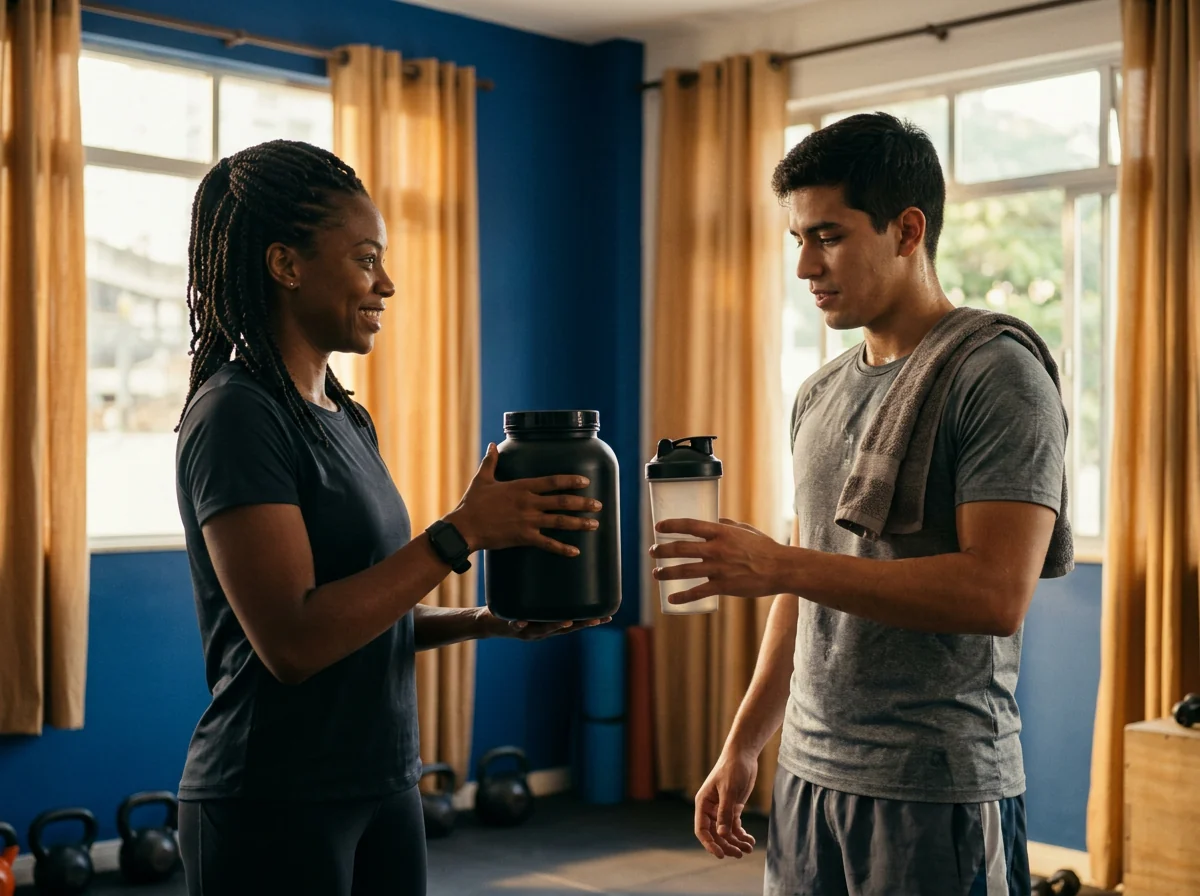
Example reminder message SALE · PRODUCTSAdded to saleWhey protein1Stock−1
Inside Inventra.
On desktop and on your phone.
Every session in one place.
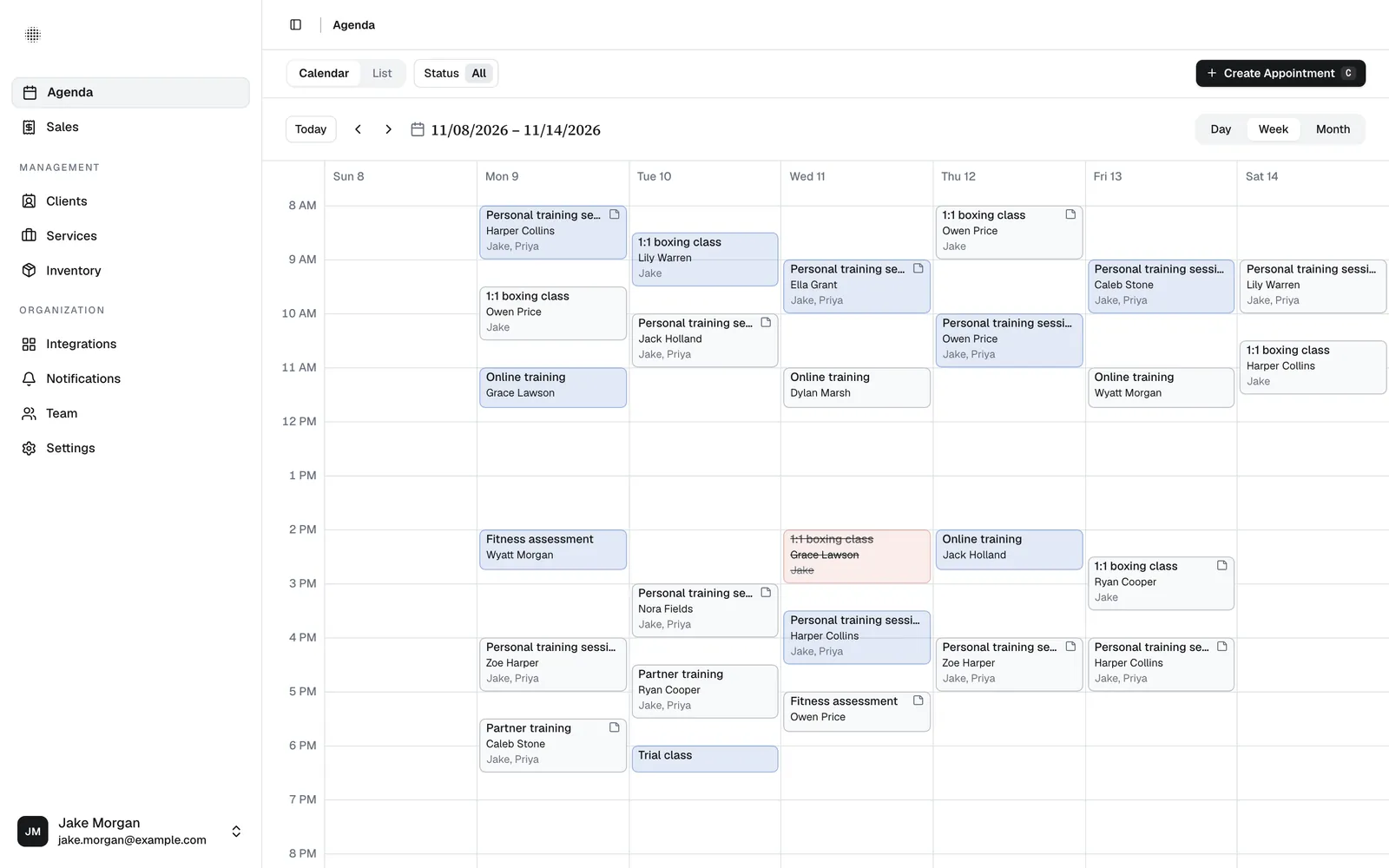
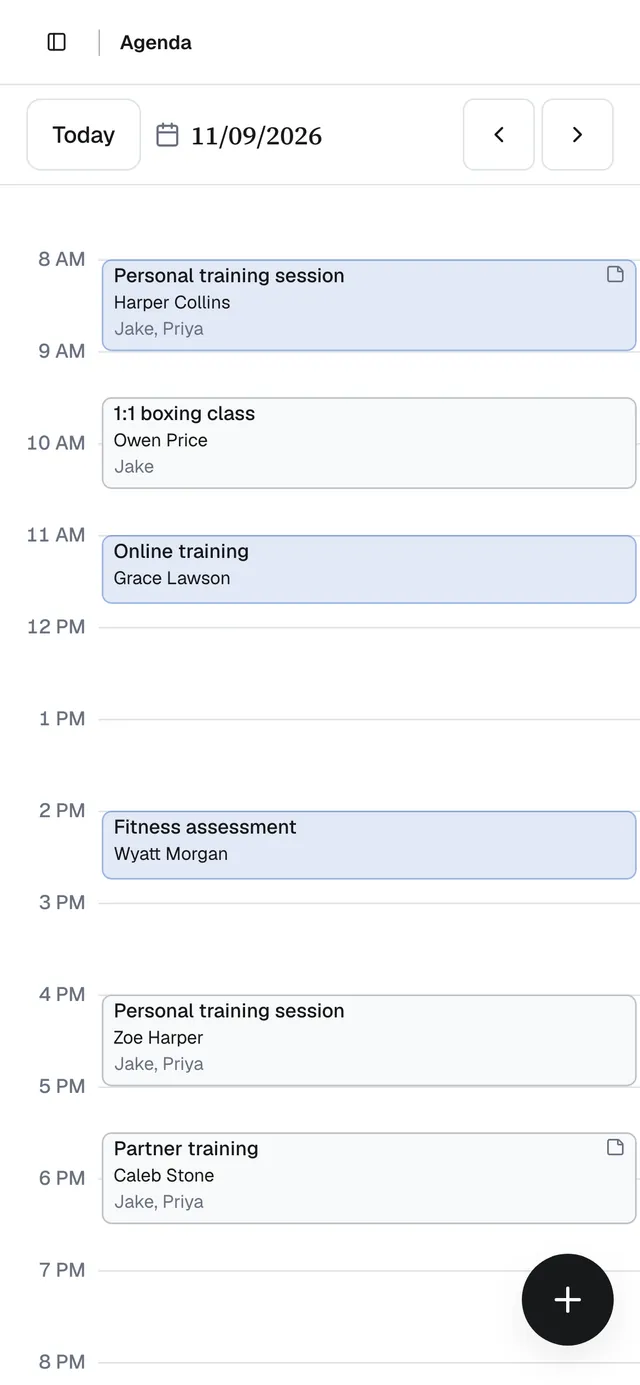
Want your week of sessions like this?
How it works, simply put
Add your clients and your sessions.
Book the weekly slot once.
Reminders go out. The session becomes a sale.
Loved by the people who use it
Inventra has made my routine as a personal trainer so much easier! I can organize classes and my students' time slots better, and the confirmations are practical and organized. It avoids mix-ups and makes my day much calmer. I really recommend it!
Excellent service! 💯 Inventra's scheduling system is really practical, the appointment confirmation prevents no-shows, and the video call brings me closer to my clients. Fast support, service tailored to my business. Highly recommend! 🙌
Common questions
Talk to us.
Tell us how you book and confirm sessions today. A real person replies, with the price.
After you reach out
- A person on our team reads your message.
- A real person replies, with pricing.
- If it fits, we agree on next steps.
Prefer WhatsApp?
Message us and talk directly.